2023-11-16
关联GMC和Google Ads广告账户的步骤:
1. 确保自己的账号拥有要关联的GMC和Google Ads广告账户的管理员权限
Google Ads在广告账户 - 管理员 - 访问权限和安全 - 用户里查看访问权限
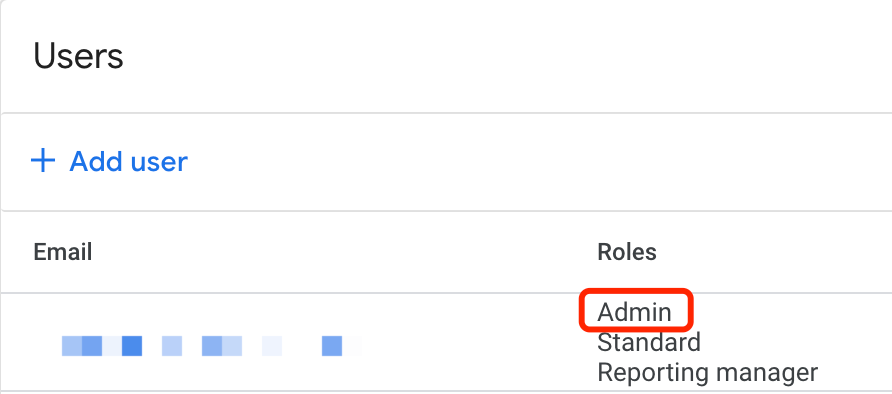
GMC在设置 - 账号权限 - 角色可以看到,要有管理员(Admin)权限
Google Merchant Center
Google Merchant Center
2. 打开Google Ads账户,按下图所示,依次点击管理员 - 已关联的账号 - Google Merchant Center 详细信息
Google Ads
3. 点击“关联Google Merchant Center”
Google Ads
4. 选择一个GMC
Google Ads
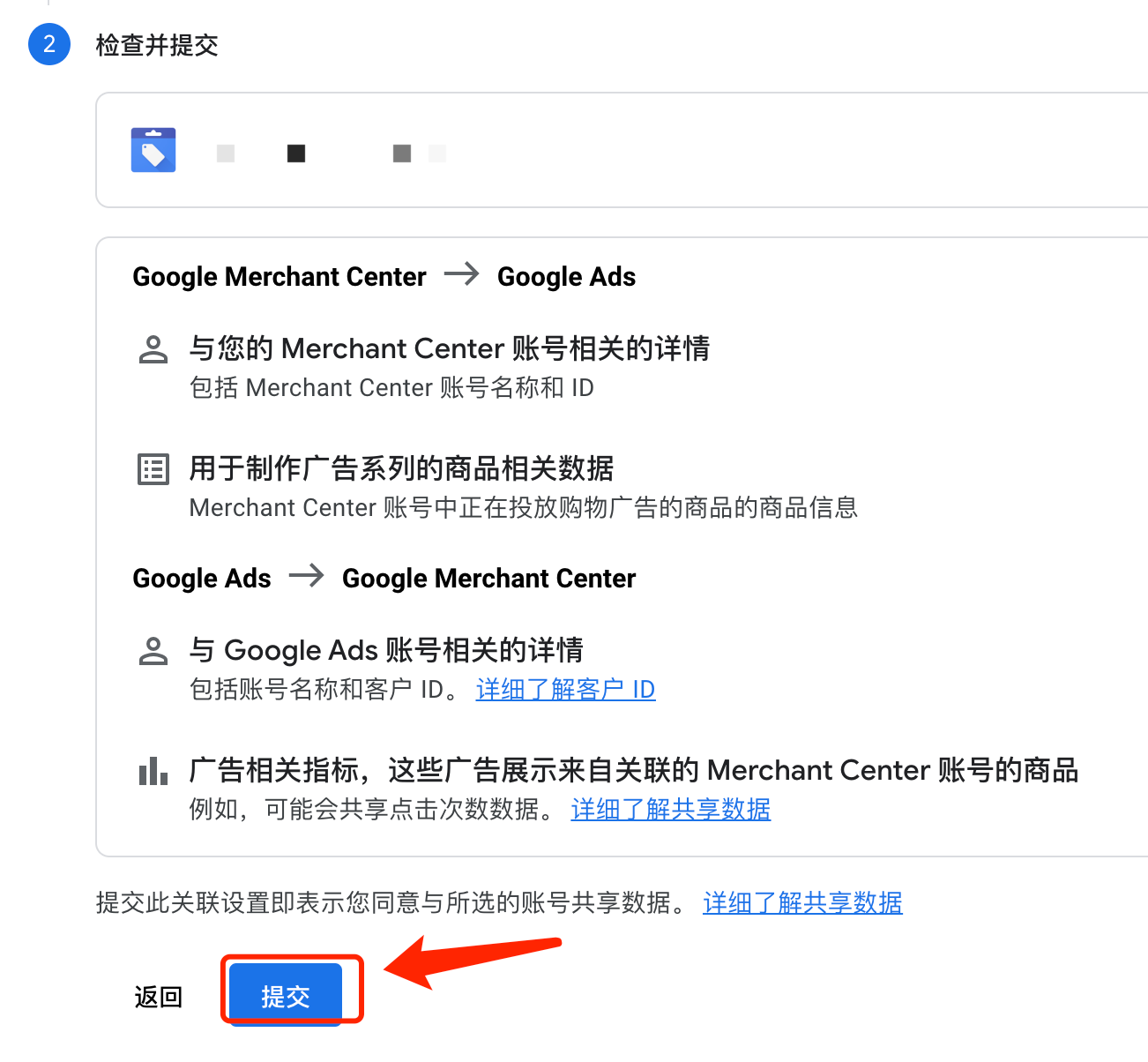
5. 点击下一步,确认无误后,点击提交就行了
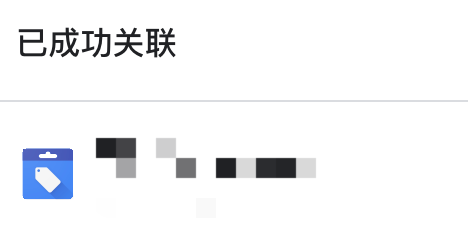
关联成功
Google Ads